Webcam Studio
Zoom, frame and change the background of any webcam on a Mac, in every meeting app.
- Runs on
- macOS
- Status
- Available
- Version
- 0.1.0
- Needs
- macOS 14 Sonoma or later on Apple silicon
- Source
- Open source · GPL-3.0-or-later · View code
- Built with
The problem
On a Mac, you can zoom and frame the picture of the built-in camera, but not the picture of an external USB webcam. With a webcam on the desk, you often look too small, or you are not in the center. Other tools that fix this need special hardware, or work only on Windows.
What it does
Webcam Studio sits between your webcam and your meeting app, and makes the picture ready for a call.
- Zoom in, drag the picture to put yourself in the center, and mirror it.
- Blur the background, or put one of six backgrounds or your own picture behind you.
- Change the edge, the softness and the steadiness of the cutout around you. This helps with hair, glasses and fast hands.
- Select Webcam Studio Camera one time in Zoom, Google Meet, Microsoft Teams or a different meeting app.
- Close the window, and Webcam Studio stays in the menu bar. Your camera is on only when a meeting uses it.
- Try the effects on sample videos, without your camera.
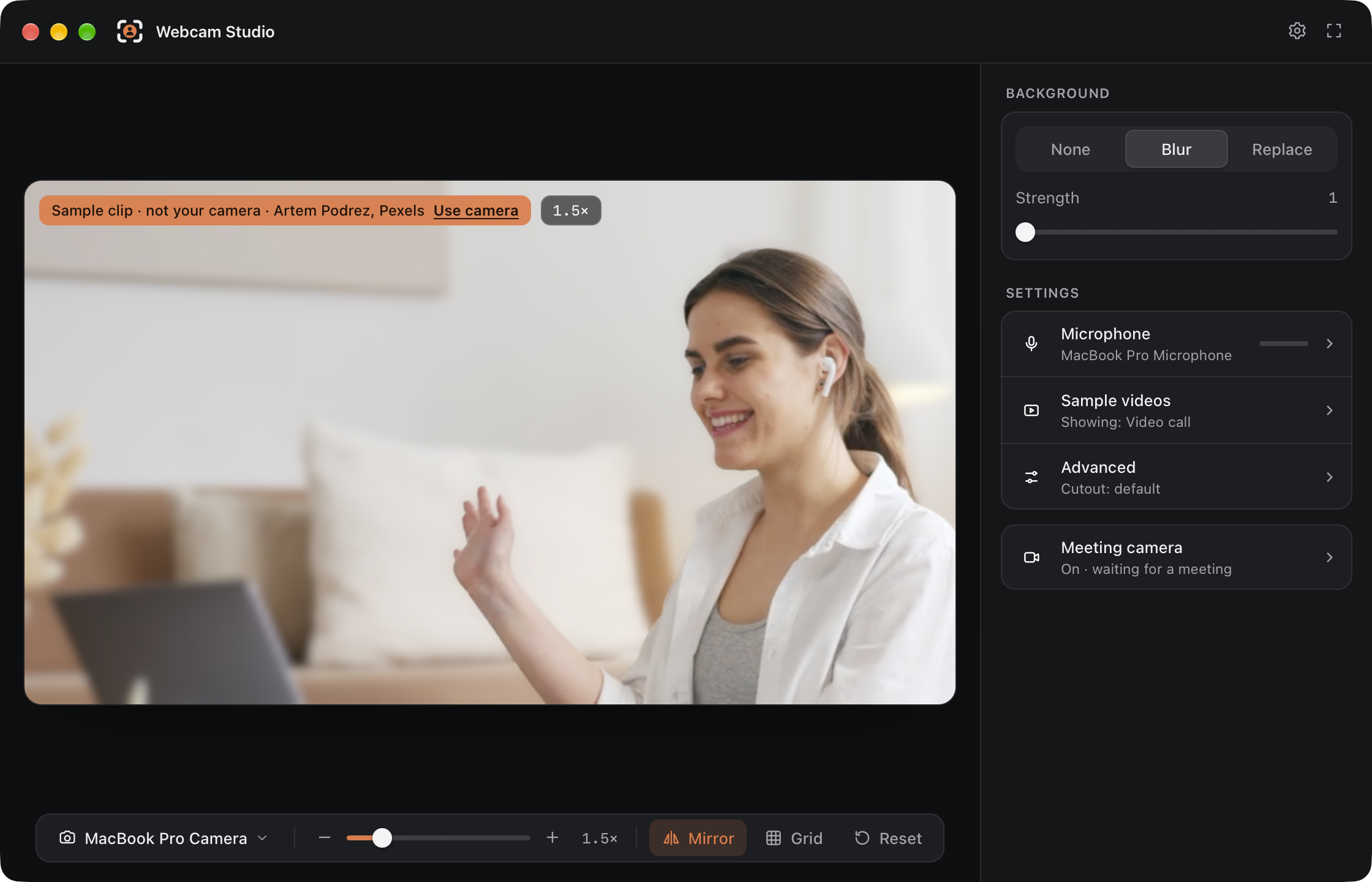
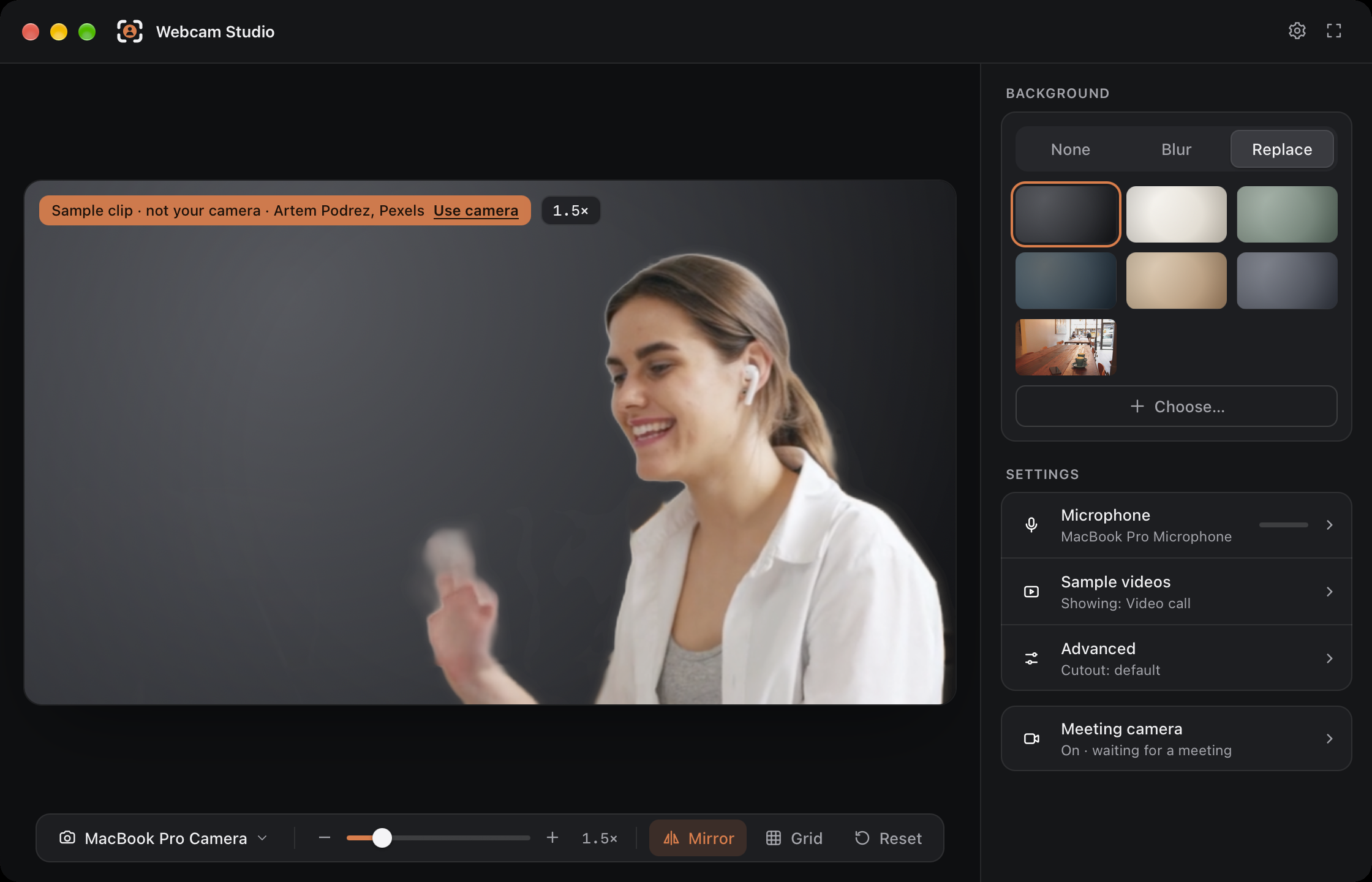
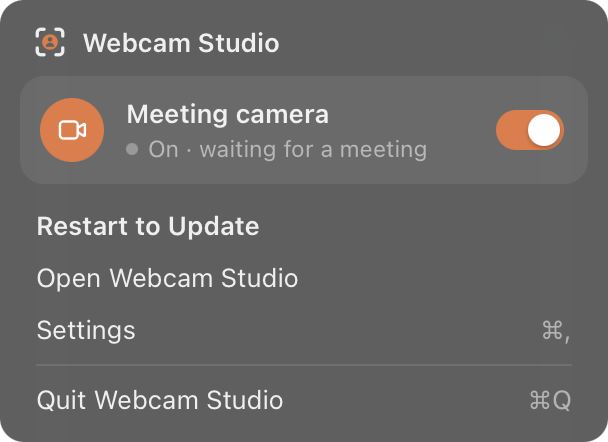
The screenshots use a sample video from the app, not a live camera.
Decisions & trade-offs
A real camera for macOS. I made the meeting camera a macOS camera extension. Every meeting app sees Webcam Studio Camera as a normal camera, and you select it one time. The cost is a one-time setup: you must allow the extension in System Settings.
The camera is on only during a call. Your real camera starts only when a meeting app uses Webcam Studio Camera. It stops about 2 seconds after the meeting app stops. The cost is that Webcam Studio must stay in the menu bar.
Apple Vision on your Mac. I find you in the picture with Apple Vision, on your Mac. Your video does not go to a server, and the effects work with no internet connection. The cost is that this version needs a Mac with Apple silicon.
Open source. I publish the code under the GPL-3.0-or-later license, so you can read how the app uses your camera picture. The cost is that changed versions must also be open source under the same license.
What's next
- Auto-framing. The picture follows you when you move.
- Clear sound. Noise removal for your microphone, and a virtual microphone that meeting apps can select.
- Windows and Linux versions. Webcam Studio Camera for Windows 11 and for Linux with PipeWire.