Tic Tik Timer
A desktop time tracker with screenshots, activity levels and a web dashboard for teams.
- Runs on
- Windows
- macOS
- Linux
- Web
- Status
- Beta
- Version
- 0.1.0
- Source
- Closed source
- Built with
The problem
Small remote teams often need to know who worked on what, and for how long. A stopwatch does not show that. Larger trackers are often heavy, priced per seat, or both. I wanted one tool that records hours, screenshots and activity, and shows them to the team owner in a browser.
What it does
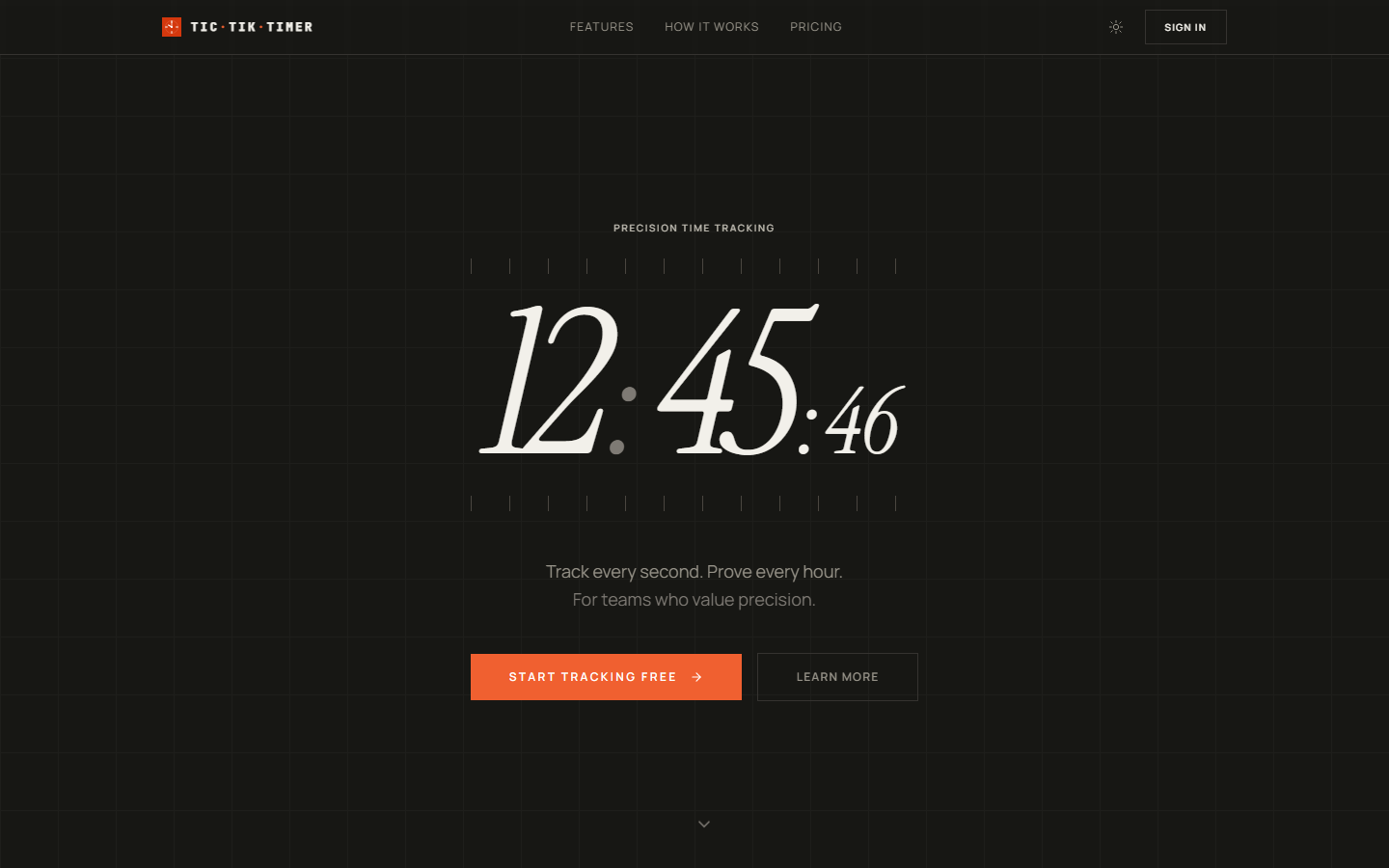
Tic Tik Timer shows a team how long each person works, and on what. It has a small desktop app that tracks your time, and a website that shows the results.
- Start a timer on your computer, and pick the project that you work on.
- Take screenshots of each screen at a time interval that you choose, and blur them if you want.
- See how active a person is from the number of key presses and clicks, not from the words they type.
- Pause or stop the timer when you leave the computer, lock it, or it goes to sleep.
- Start or stop the timer from any app with
Ctrl+Shift+T, and keep the app as a small icon in the tray. - See hours, projects, clients and screenshots on the website, and download reports as spreadsheet (CSV) files.
- Work as a team, with owner, admin and member roles.
- See new time on the website as soon as you track it on the desktop.
Decisions & trade-offs
Uploads go through my server. I send each screenshot to my web API, not directly to storage. The desktop app holds no storage keys, and one place controls access. The cost is an extra step for each screenshot.
Screenshots in S3. I moved the screenshots from Supabase Storage to S3. Each workspace has a retention setting, so old data can be removed.
Simple app tracking. I do not read the window titles of other apps, because on Windows this can cause antivirus warnings. The cost is that the app-usage reports only show if Tic Tik Timer or another app is in focus.
Counts, not content. I count keypresses and clicks, but I do not store which keys you press. Your typed text stays private.
Electron, not native. I use one Electron codebase for Windows, macOS and Linux. It shares React and Tailwind with the web app. The cost is a large download for a small window.
What's next
- Publish the macOS (Apple Silicon) and Linux installers. The Windows installer is available now.
- Add per-app tracking that does not cause antivirus warnings.
- Add an auto-updater. Now you must download the installer again for each new version.